Replies pile up
Common keyword texts are answered automatically.
Automatically respond to incoming text messages with keyword-triggered replies. Set up responses for sign-ups, confirmations, event updates, and common questions with ZeepText.
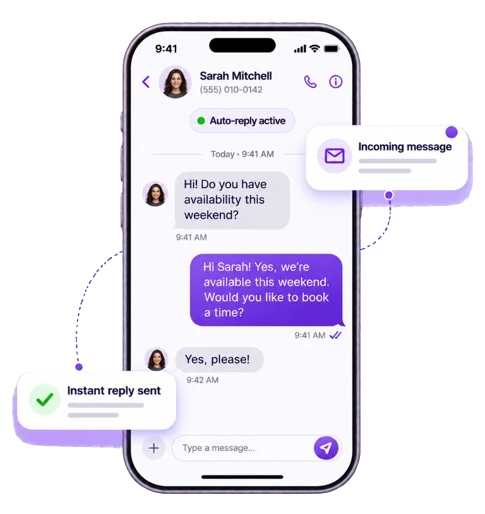
SMS auto reply is an automatic text message sent when someone texts your number or a specific keyword. It is also called an SMS autoresponder. Instead of answering every text by hand, you write the response once and it goes out instantly.
An SMS auto reply text message can confirm an event, thank someone for signing up, or share details when they text a keyword such as YES, JOIN, or INFO.
Every text you send can bring replies, and answering each one by hand takes time. SMS auto reply handles the repeat answers for you, so people hear back right away.
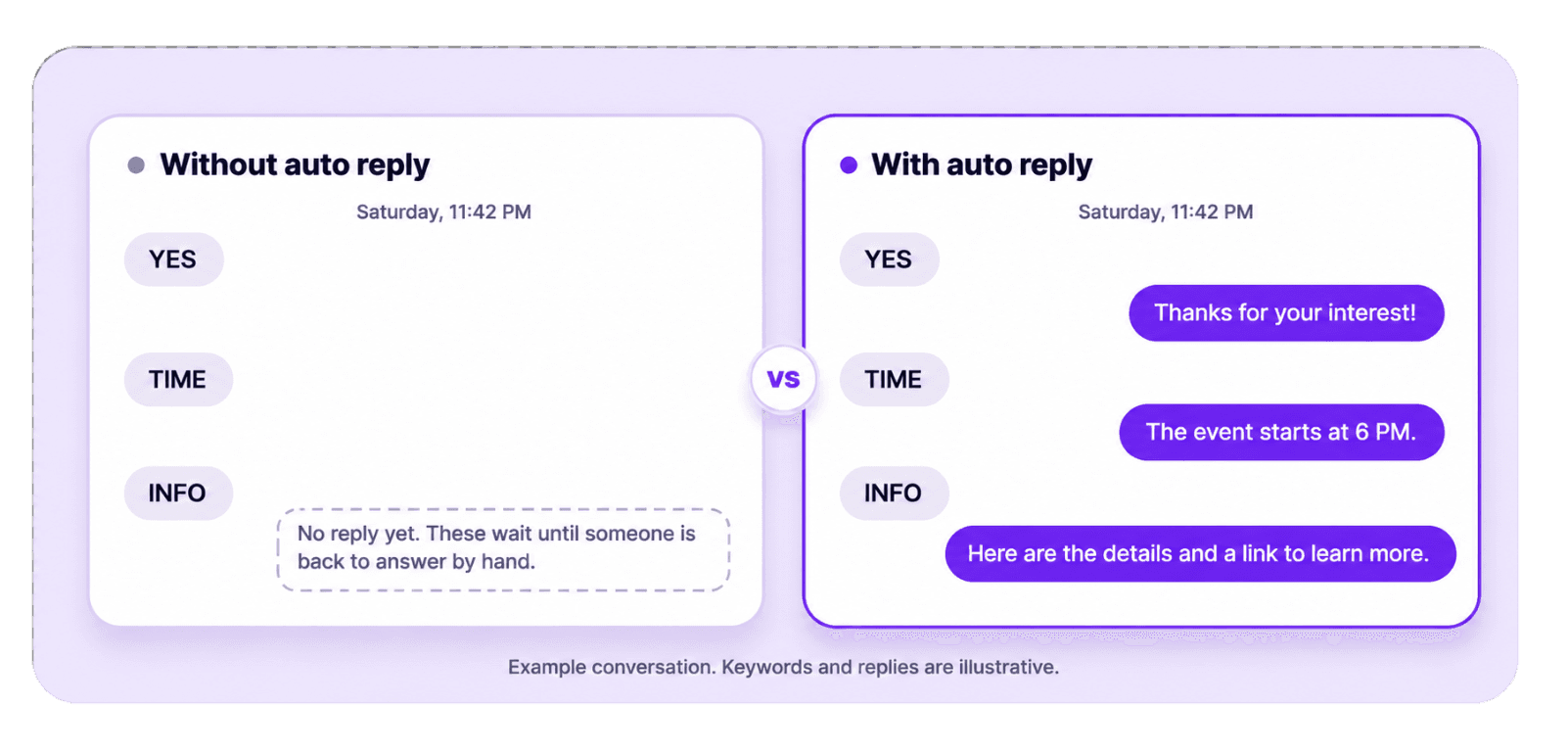
Common keyword texts are answered automatically.
Instant response at any hour, nights and weekends included.
Write the answer once and it sends every time.
Everyone gets the same accurate message.
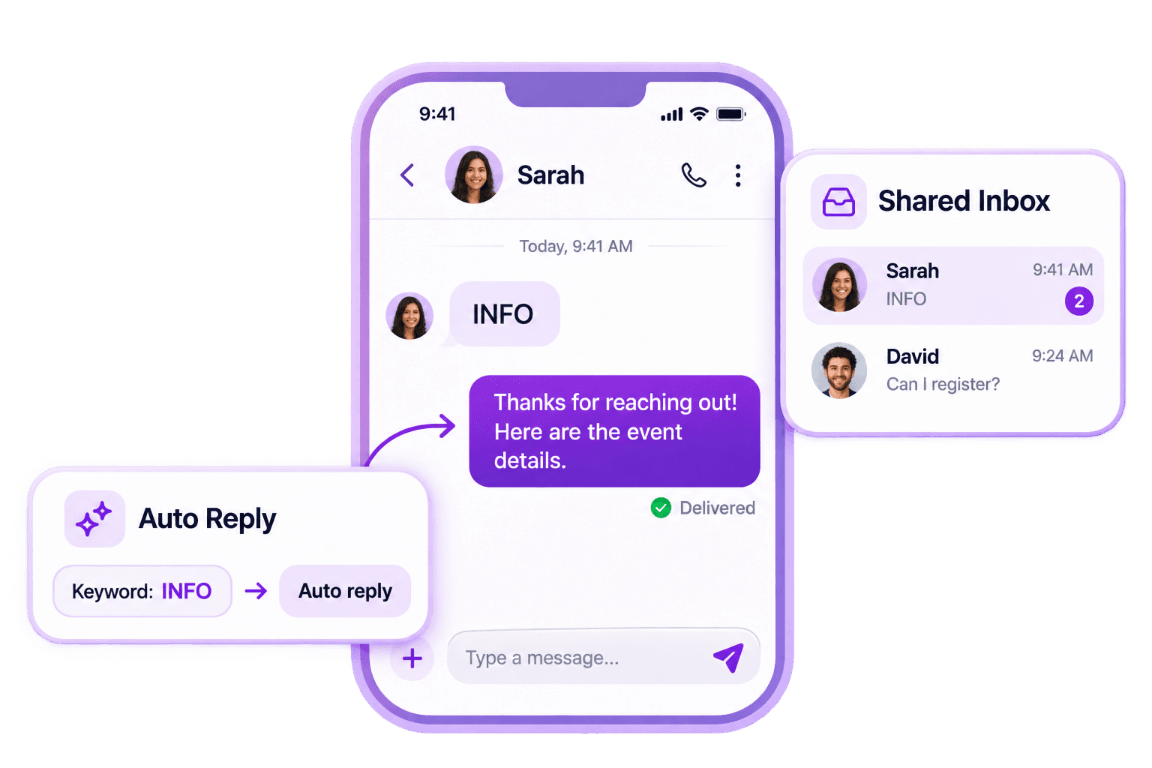
Replies land in one shared inbox for follow-up.
Set it up once, and let your SMS autoresponder handle the routine replies while your team focuses on real conversations.
Step 1
Pick the word people will text, such as YES, JOIN, or INFO.
Step 2
Add the message people receive, such as “Thanks for your interest!” You can include a link if you need one.
Step 3
Activate the rule so replies send automatically.
Step 4
Replies and conversations appear in your shared two-way inbox.
| Event confirmations | YES | Thanks for your interest! See you there. |
|---|---|---|
| Sign-ups | JOIN | Welcome! You’re on the list. |
| Quick info | INFO | Here are the details and a link to learn more. |
| Help | HELP | Reply here and we’ll get back to you. |
Manage the U.S. A2P 10DLC registration process for your business messaging campaigns.
Explore 10DLC RegistrationSend messages and receive replies in one place without switching between tools.
Explore Two Way SMSSee who clicked your links and measure audience engagement.
Explore Link TrackingTrack message delivery, clicks, and replies to measure campaign performance.
Explore AnalyticsImport, organize, tag, and manage all your contacts in one place.
Explore Contact ListSchedule SMS campaigns in advance or send them instantly.
Explore ScheduleFilter out landline and VoIP numbers to keep your contact lists SMS-ready.
Explore ValidationAuto replies built into your texting platform.
Set automatic responses to the keywords people text.
Handle auto replies and live conversations in one place.
Choose a keyword, write the reply, and turn it on.
$0 platform fee, $0 setup fee, no contract.
Everything you need to know about the Auto-Reply.
Try free for 14 days. No credit card required.
By signing up, you agree to our Terms and Privacy Policy.